What's new
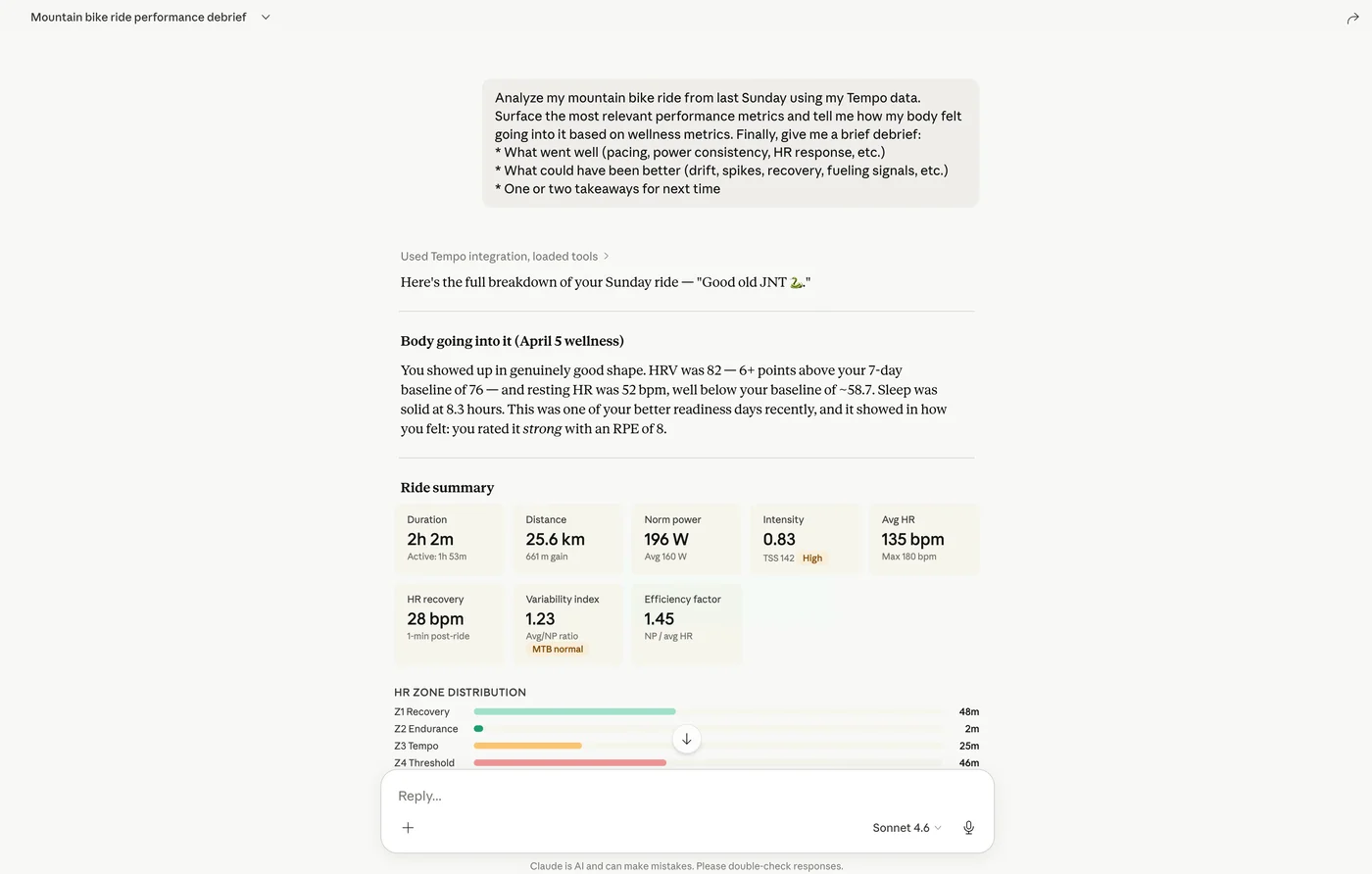
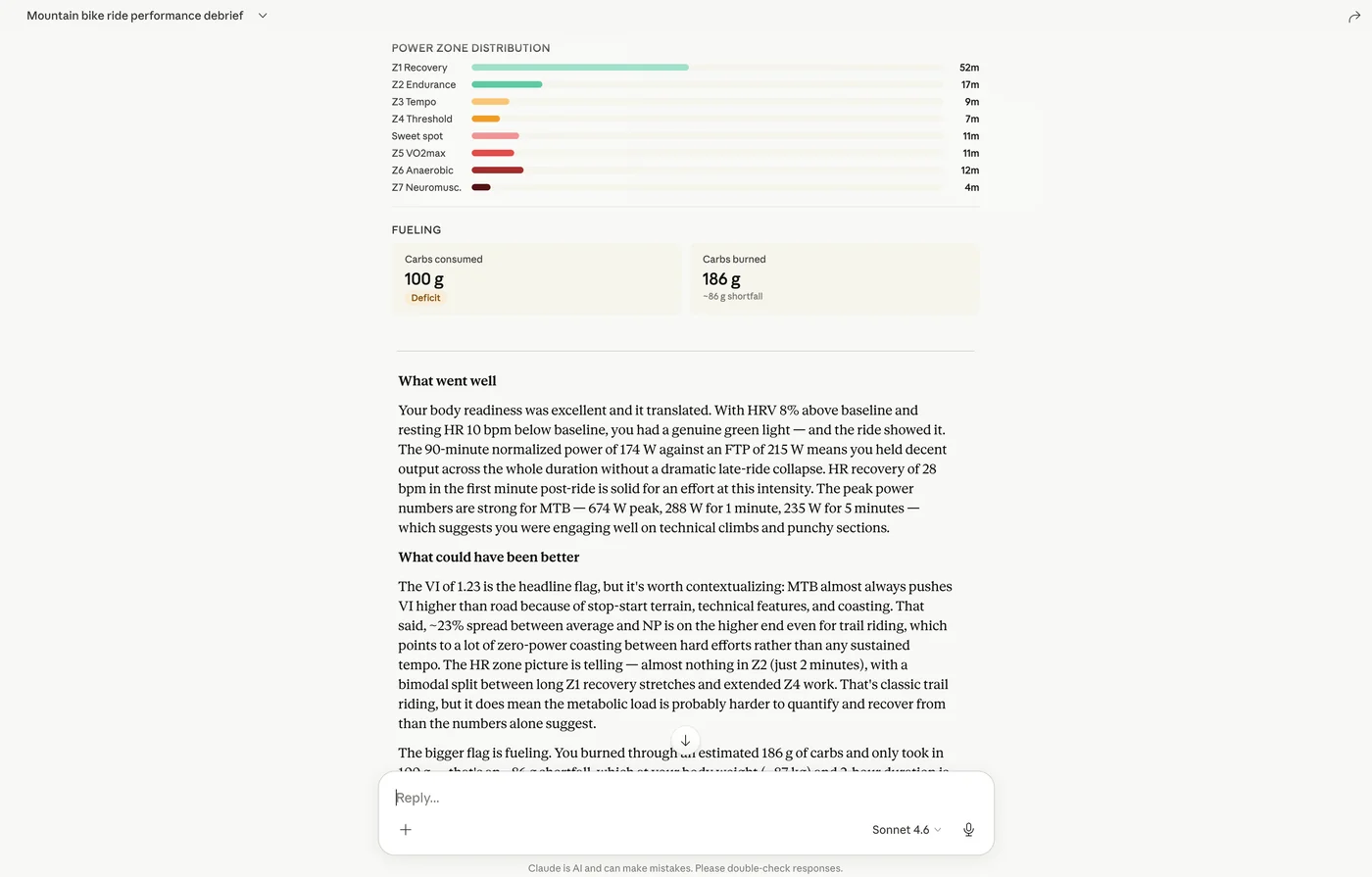
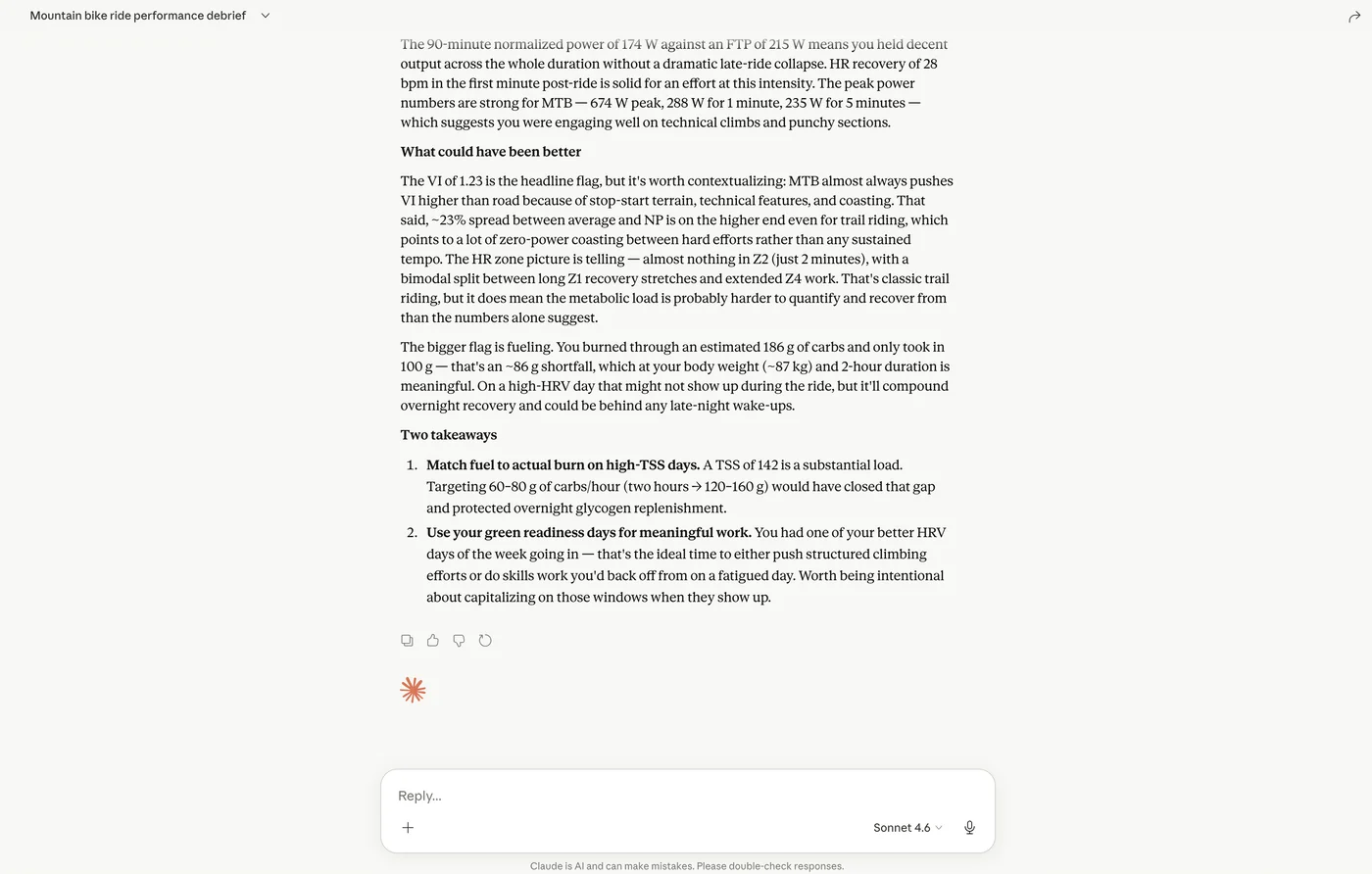
Tempo now offers a hosted Model Context Protocol (MCP) server, so you can connect Claude to your Tempo account and ask questions in natural language using your actual Tempo data. You can use it to review completed workouts and workout details, look ahead at planned training, inspect events and event details, analyze fitness and wellness metrics, check athlete profile information, and explore nutrition data including daily intake plus workout and event fuel plans. Connection uses Tempo's remote MCP URL and the same guided steps we show in the Web app, including screenshots for adding Tempo as a custom connector in Claude.
Why it helps
You get a quick path from "what was my load last month?" to answers grounded in your Tempo data, useful for planning, recap, and comparing periods—without copy-pasting exports or maintaining a local MCP server.
How to try it
-
In Tempo on the web, go to Settings and open the AI Assistants tab .
-
Follow Set up in Claude: in Claude, open Customize -> Connectors, add a custom connector named Tempo with remote URL
https://mcp.jointempo.ai/mcp, then complete the authentication step with your Tempo credentials when prompted so Claude can access your account. -
Note: This integration requires a Premium subscription, as shown on the AI Assistants card.
Example