What's new
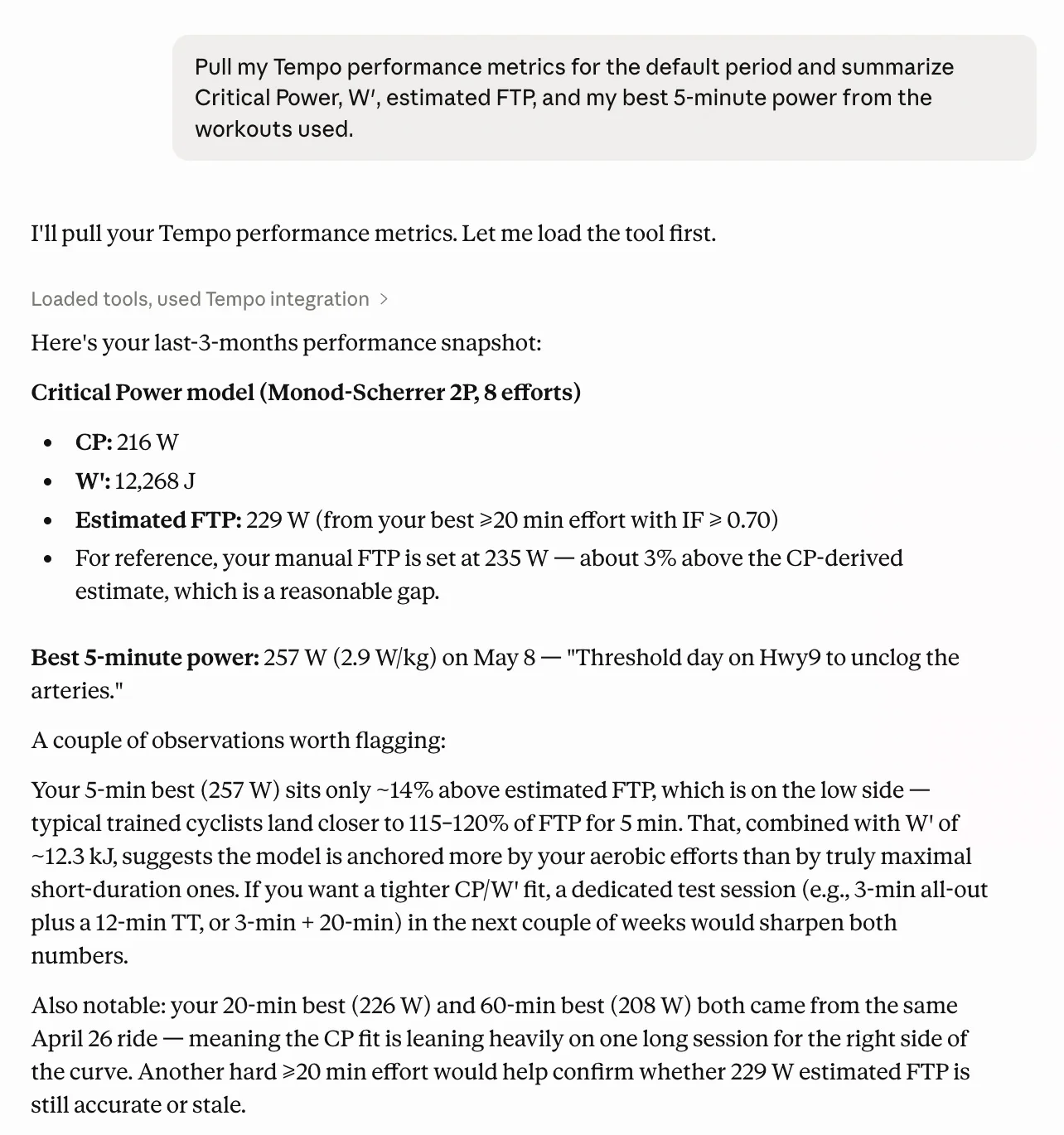
The Model Context Protocol (MCP) server now exposes a get_performance_metrics tool. When your assistant (e.g. Claude) calls it, Tempo aggregates your workouts in the window you choose and returns performance ceilings, not just a profile snapshot: Critical Power and W′ from the period power–duration curve, the six standard power bests (5s / 30s / 1min / 5min / 20min / 60min) with Watts and W/kg where available, cardiovascular bests (max HR, lowest resting HR, best VO₂max estimate, best 60s HR recovery), plus the period's estimated FTP (and today's manual FTP when present). You can narrow the slice with presets like last_3months (default), year_to_date, or all_time, or pass an explicit start_date / end_date pair (bare calendar dates need an IANA time_zone, same contract as other Tempo range tools). Optional filters workout_type (for example cycling) and indoor_outdoor (indoor, outdoor, or both) let the model focus on the sessions that matter.
Why it helps
Once the connector is wired, you can ask about current ceilings and bests in plain language without exporting files or juggling separate "profile vs last block" explanations. get_athlete_information stays your "today snapshot"; get_performance_metrics answers "what did I actually show in this period?"—useful for block reviews, comparing indoor vs outdoor, or sanity-checking CP/FTP chatter against your real logged data.
How to try it
In Tempo on the web, MCP setup instructions live under Settings -> AI Assistants.
Example