What's new
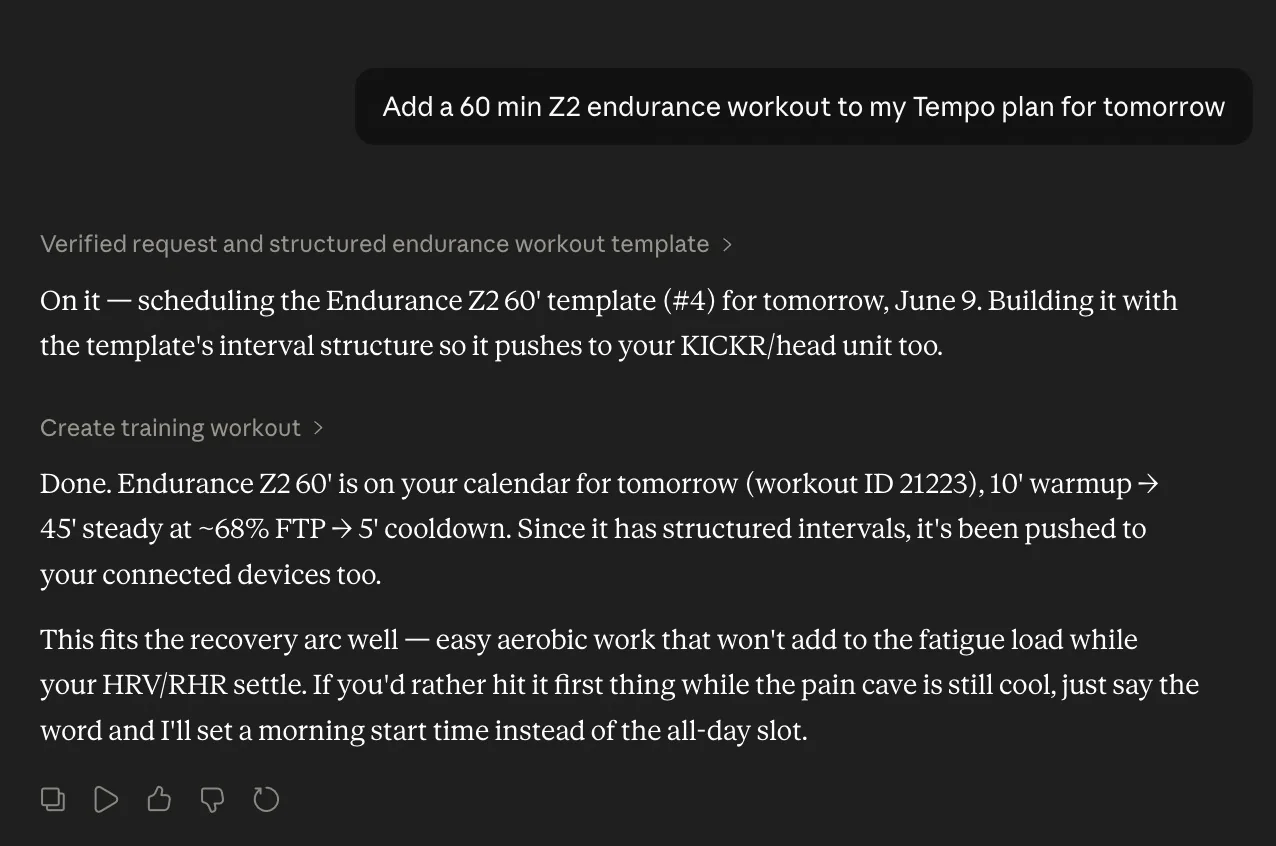
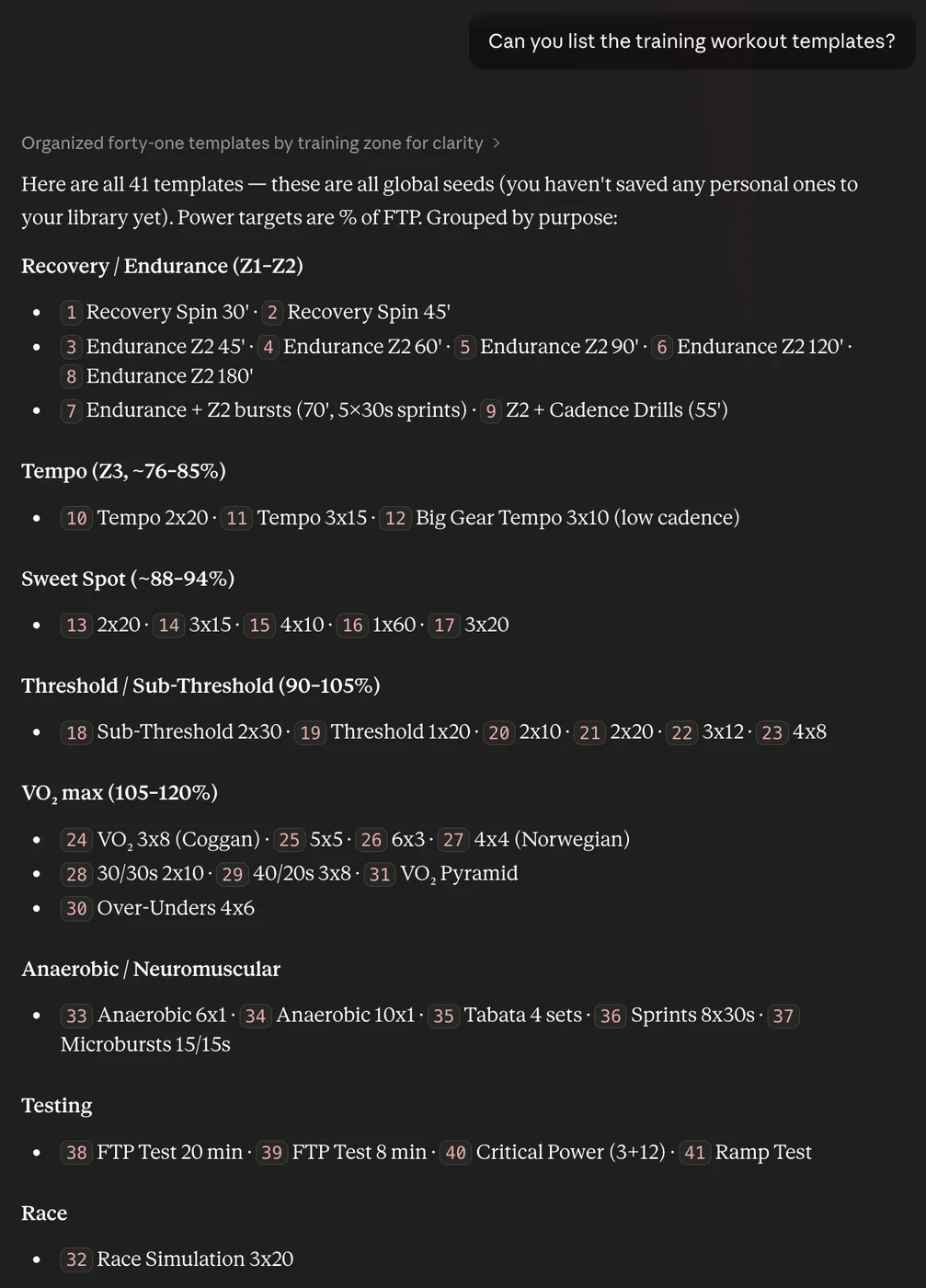
Tempo's MCP integration can now do more than read your fitness, wellness, and nutrition data. Connected assistants like Claude and ChatGPT can now create, update, and delete planned training workouts, and list training workout templates.
That means you can ask Claude to build out a training week, adjust an upcoming workout, remove a session that no longer fits, or start from one of your existing templates without opening each workout manually.
Why it helps
Planning becomes more conversational and less click-heavy. You can describe the change you want in plain language, review what the assistant is about to do, and keep your Tempo calendar aligned with your training goals faster.
How to try it
In Tempo on the web, go to Settings -> AI Assistants and connect Tempo to Claude or ChatGPT using the hosted MCP setup.
Once connected, try prompts like:
"Show me my training workout templates, then create an endurance ride for next Tuesday using the closest matching template."
"Update Friday's planned workout to be 75 minutes instead of 60."
"Delete the planned workout on Sunday because I'm racing that day."
Note: MCP access requires a Premium subscription. As always, review assistant changes before relying on them for your training plan.
Examples